
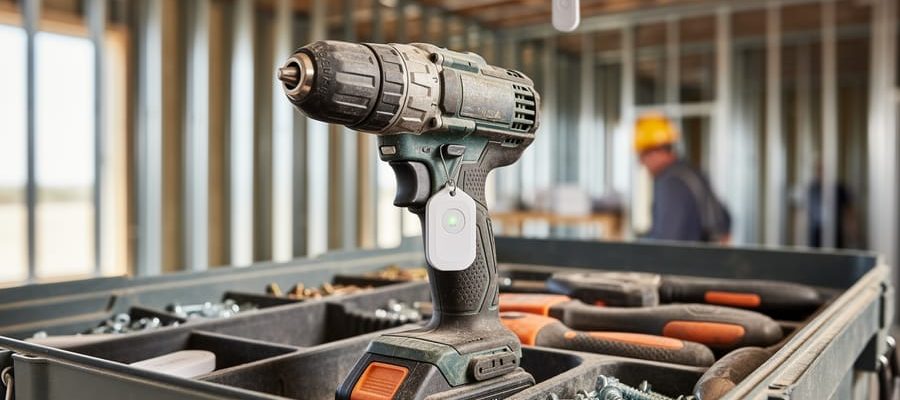
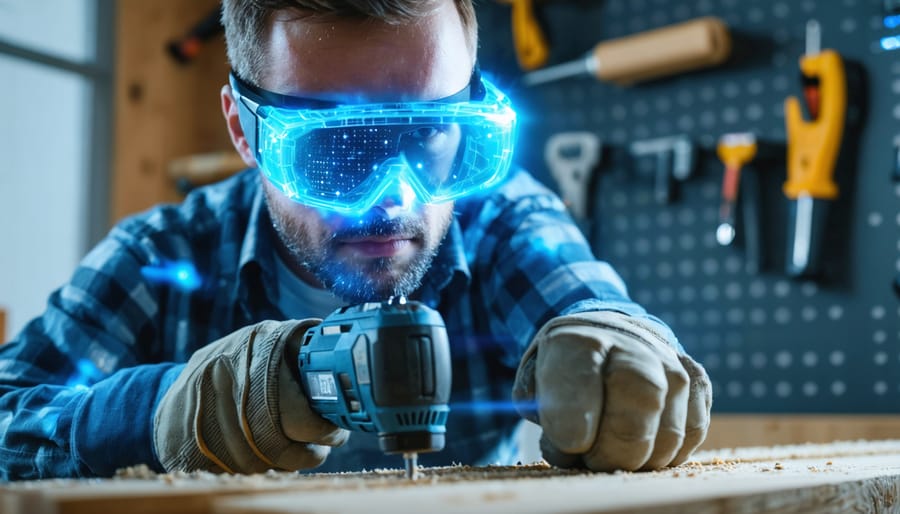
Augmented reality (AR) training software overlays digital instructions, safety warnings, and step-by-step guidance directly onto the tools you’re using—transforming how you learn to operate equipment safely and effectively. Instead of pausing to reference a manual or watching a generic video that doesn’t match your exact situation, you simply look through your smartphone or AR glasses to see real-time prompts that guide your hands to the right controls, show proper grip positions, and highlight hazard zones on the actual equipment in front of you.
**Why AR Training Matters for Tool Users**
Traditional equipment training creates a knowledge gap. You watch a demonstration, maybe flip through a manual, then face the actual tool hoping you remember everything correctly. AR eliminates this gap by providing contextual guidance precisely when you need it—during the actual task. For DIYers renting a tile saw for the first time or contractors training new crew members on specialized equipment, this technology reduces mistakes, prevents injuries, and builds confidence faster than conventional methods.
**Real-World Applications You’ll Encounter**
Construction teams use AR training to demonstrate proper scaffold assembly sequences, showing each connection point and safety check in 3D. Homeowners learning to operate pressure washers see spray patterns, nozzle selection guidance, and surface-distance warnings overlaid on their actual driveway. Equipment rental centers increasingly offer AR tutorials that activate when you scan QR codes on their tools, delivering customized instruction without requiring staff assistance.
This practical integration of digital guidance with physical equipment represents the future of hands-on learning—making expert-level instruction accessible to everyone.
What Is Augmented Reality Training Software for Tools?
Augmented reality training software transforms how you learn to use tools by overlaying digital instructions, safety warnings, and step-by-step guidance directly onto the physical equipment you’re handling. Unlike virtual reality, which creates an entirely computer-generated environment, AR enhances your real-world view through a smartphone, tablet, or smart glasses, allowing you to interact with actual tools while receiving real-time digital assistance.
Think of it as having an expert trainer standing beside you, pointing out exactly which buttons to press, where to position your hands, and what safety checks to perform—except this guidance appears as interactive digital elements superimposed on the tool itself. When you point your device’s camera at a circular saw, for example, AR software can highlight the blade guard, show proper hand placement with animated overlays, and display safety reminders before you make your first cut.
This technology differs fundamentally from traditional training methods, which typically rely on written manuals, static diagrams, or watching someone else demonstrate. AR training is interactive and contextual—the information appears precisely when and where you need it, reducing the gap between learning and doing. Similar to how AI-powered diagnostic tools provide real-time feedback for automotive work, AR training responds to your actions and environment.
For tool hire customers, this means confidently operating equipment you’ve never used before. Whether you’re renting a tile cutter for a weekend bathroom renovation or a professional-grade pressure washer, AR training helps you get started safely without extensive prior experience, making complex tools more accessible to everyone from DIY beginners to seasoned tradespeople exploring unfamiliar equipment.
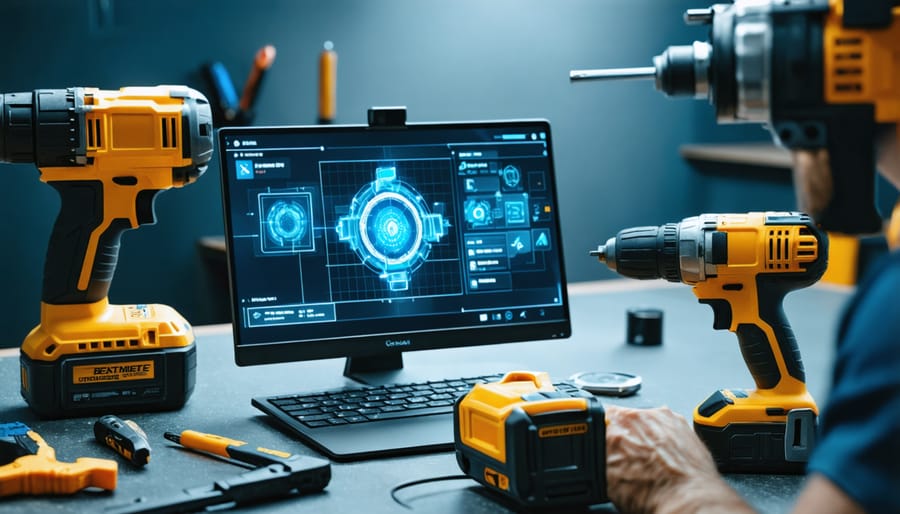
The Real-World Benefits of AR Tool Training
Learn Without the Risk
Augmented reality training creates a safe environment where you can master high-risk tools before touching the real thing. Instead of learning on an active circular saw or angle grinder, AR software overlays digital instructions and safety warnings onto physical equipment or simulated scenarios. You’ll practice proper hand positioning, blade angles, and safety procedures without any chance of injury or wasting expensive materials.
This technology is particularly valuable for scaffolding work, where mistakes can be life-threatening. AR simulations let you experience working at heights, learn proper assembly sequences, and recognize hazardous conditions—all while your feet stay firmly on the ground. The software tracks your movements and provides instant feedback when you make errors, helping you develop muscle memory for safe techniques.
For DIY enthusiasts renting unfamiliar equipment, AR training eliminates the anxiety of first-time use. You can repeat practice sessions as many times as needed, experiment with different techniques, and build confidence before starting your actual project. Professional tradespeople use these programs to stay current with new tools and refresh their skills without downtime or material costs. The result? Better safety outcomes, reduced equipment damage, and more successful projects from the start.
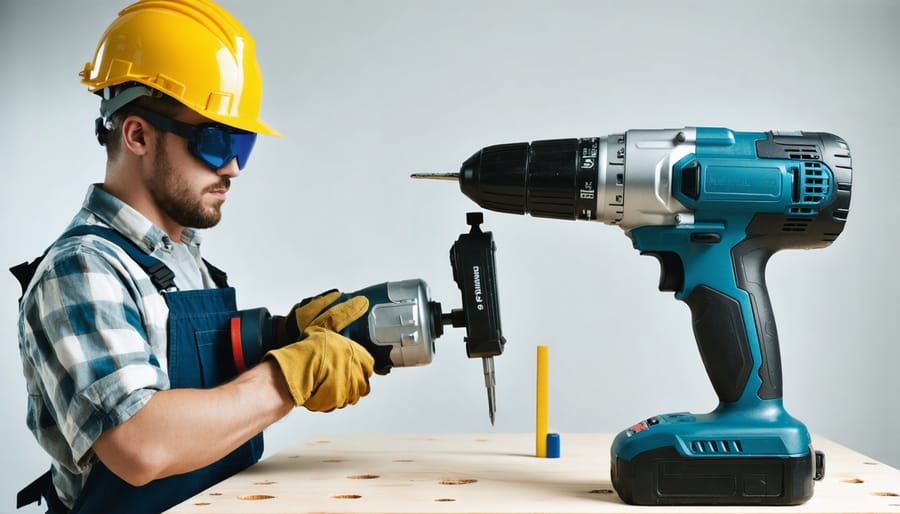
Save Money on Mistakes and Rentals
One of the most compelling benefits of augmented reality training software is its potential to dramatically reduce your rental costs and prevent expensive mistakes. When you’re paying by the day for a tile saw, concrete mixer, or aerial lift, every hour of hesitation and learning curve adds up quickly. AR training lets you practice cuts, movements, and safety procedures virtually before your rental period even starts, meaning you hit the ground running with confidence.
Material waste represents another significant cost factor that AR training addresses head-on. Practice making precise cuts on virtual lumber or tile instead of ruining actual materials while you learn proper technique. Many users in our community report cutting their material waste by 30-50% after completing AR training sessions, translating to real dollars saved on every project.
Perhaps most valuable is the reduction in costly errors that could damage rental equipment. Operating a power tool incorrectly can result in repair charges that exceed the rental fee itself. AR software allows you to make those rookie mistakes in a virtual environment where the only thing at stake is your pride. You’ll learn proper equipment handling, understand safety mechanisms, and recognize warning signs—all before signing that rental agreement.
Train Anywhere, Anytime
One of the biggest advantages of augmented reality training software is the freedom to learn on your own schedule. Unlike traditional training sessions that require coordinating multiple people or waiting for instructor availability, AR training puts the power in your hands—literally. Whether you’re a contractor preparing your crew for a complex job site or a DIY homeowner wanting to practice before picking up your rental, you can access training modules whenever it’s convenient.
This flexibility is especially valuable for professionals managing teams across different shifts or locations. Each team member can complete their training during downtime, ensuring everyone reaches the same skill level without disrupting productivity. For DIYers, this means you can run through a virtual practice session the night before your project, refresh your memory in the parking lot before collecting your equipment, or even review specific techniques on-site when questions arise. No appointment booking, no waiting rooms, no pressure—just practical, accessible learning that fits your timeline and pace.
Get Instant Feedback on Your Technique
AR training software acts like having an expert watching over your shoulder, instantly alerting you when your grip isn’t quite right or your cutting angle veers off course. The system uses overlay graphics and haptic feedback to guide corrections in real-time—something impossible with video tutorials or instruction manuals alone. When you’re learning to operate a circular saw, for example, the software highlights proper hand placement and warns if you’re approaching unsafe zones before mistakes happen. These smart technology solutions build muscle memory faster by catching errors immediately, helping both beginners and experienced users refine their technique with every practice session.
How AR Training Software Actually Works With Common Tools
Setting Up Your AR Training Session
Getting started with AR training is simpler than you might think. You don’t need expensive specialized equipment—most smartphones or tablets manufactured within the last three years will work perfectly fine. If you’re planning regular training sessions, AR glasses offer a hands-free experience, though they’re optional for beginners.
Start by downloading your chosen AR training app from the App Store or Google Play. Most apps are free to try, with premium features available for frequent users. Installation takes just a few minutes, similar to any standard mobile application.
Once installed, you’ll need to calibrate the app—this simply means letting your device “see” your workspace. Point your camera at the area where you’ll practice, slowly moving it side to side so the app can map the space. This process, called spatial mapping, takes about 30 seconds and helps the app overlay virtual instructions accurately onto real objects.
Before your first session, ensure good lighting and clear at least a 2-meter workspace around you. The app will guide you through a quick tutorial explaining gesture controls and safety features. Like other digital training technology, AR training works best when you start with basic exercises before tackling complex projects.
Training Scenarios You’ll Actually Use
AR training software shines when applied to real equipment you’ll encounter at rental centers and job sites. Here’s how it works in practice:
**Table Saw Mastery**: Before making your first cut, AR overlays show proper hand positioning, blade guard usage, and push stick techniques. Virtual guides highlight the danger zones around the blade and demonstrate correct body stance. You’ll practice adjusting blade height and angle settings while AR indicators confirm you’re following manufacturer safety protocols. Many users report feeling significantly more confident after these virtual sessions.
**Ladder Safety Positioning**: AR training places virtual ladders in your actual workspace, teaching the critical 4-to-1 angle rule (where the ladder base sits one foot away from the wall for every four feet of height). The software checks your three-point contact technique and shows proper tie-off points for extension ladders. You’ll learn to identify unstable surfaces before you’re actually ten feet off the ground.
**Concrete Mixer Operation**: AR displays control functions directly on your smartphone or tablet as you view a mixer. Virtual prompts guide you through the startup sequence, proper water-to-mix ratios, and drum positioning for pouring. The software highlights common mistakes like overloading or incorrect mixing times.
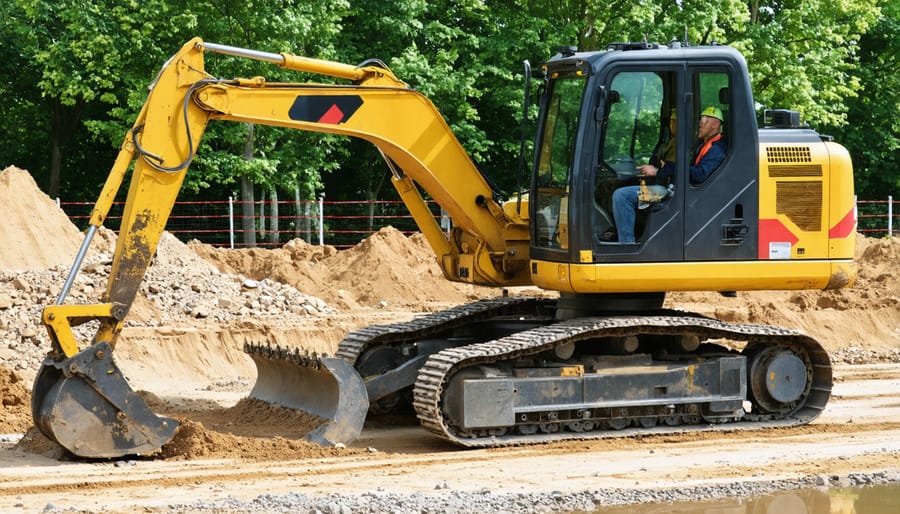
**Excavator Controls**: AR breaks down complex hydraulic controls into manageable lessons, overlaying joystick functions and showing how arm, bucket, and swing movements coordinate. You’ll practice dig patterns and safety checks without fuel costs or equipment damage risks.
From AR Practice to Real Tool Handling
The beauty of AR training lies in how naturally it prepares you for handling actual equipment. After completing virtual practice sessions, you’ll find that muscle memory kicks in when you pick up the physical tool—your hands already know the proper grip, your body understands the correct stance, and safety checks become automatic.
Expect a brief adjustment period as you transition from virtual to real. The physical weight and vibration of tools will feel different than their digital counterparts, though most users report feeling significantly more confident than without AR preparation. Community feedback consistently shows that AR-trained users make fewer beginner mistakes and require less on-site supervision.
During your first few uses of the actual equipment, keep your training fresh by reviewing key safety points beforehand. Many rental customers share that referencing AR modules right before pickup helps bridge any gaps. The transition typically smooths out within the first 15-30 minutes of hands-on use, as your brain connects the virtual practice with physical reality. Remember, AR training supplements—not replaces—careful attention and common sense when operating real tools.
Who Benefits Most From AR Tool Training?
First-Time Tool Users and DIY Beginners
For those picking up power tools for the first time, augmented reality training software removes the intimidation factor. These programs create risk-free virtual environments where you can practice cutting, drilling, or sanding techniques without wasting materials or risking injury. Before spending money on a tool rental, AR training helps you understand proper grip positions, safety protocols, and operational basics. Many community members report feeling significantly more confident after just 15-20 minutes of AR practice, reducing the likelihood of costly mistakes or accidents. The software provides real-time feedback on your technique, highlighting potential safety issues like incorrect blade angles or improper stance. This foundational knowledge means you’ll maximize your rental period instead of spending precious time figuring out basic operations, ultimately saving both money and stress.
Professional Tradespeople Expanding Their Skills
For professional tradespeople, augmented reality training opens doors to new revenue streams without investing months in traditional apprenticeships. When a commercial electrician wants to expand into HVAC work, or a residential carpenter needs to master concrete cutting equipment, AR software provides guided, hands-on learning with rental tools they’ll actually use on job sites.
The technology overlays step-by-step instructions directly onto equipment, showing proper handling techniques, safety protocols, and operation sequences in real-time. One plumber shared how AR training helped him confidently operate a mini excavator for the first time, completing a drainage project he would’ve previously subcontracted out.
This approach proves especially valuable for seasonal work expansion or one-off projects requiring specialized equipment. Instead of turning down jobs outside your primary expertise, you can quickly familiarize yourself with unfamiliar tools through AR guidance. The software tracks your progress, highlights common mistakes before they happen, and provides instant feedback—essentially offering experienced-operator knowledge without requiring that operator standing beside you throughout the entire learning process.
Tool Hire Businesses and Training Programs
Tool hire businesses are discovering that AR training programs deliver measurable benefits beyond customer education. By offering brief AR tutorials before customers leave with rented equipment, companies significantly reduce liability risks associated with improper tool use. These virtual demonstrations show proper operation techniques, safety protocols, and common mistakes to avoid—all without requiring staff to conduct lengthy in-person training sessions.
The results speak for themselves: reduced equipment damage from misuse, fewer customer injury claims, and higher satisfaction ratings from renters who feel confident using unfamiliar tools. Some rental centers report up to 40% fewer damage-related incidents after implementing AR training modules. These innovative tool solutions also create opportunities for upselling, as confident customers often rent more specialized equipment once they understand how to use it safely. For businesses, the technology pays for itself through decreased replacement costs and improved customer retention, while renters gain peace of mind knowing they’re properly prepared.
What to Look for in AR Training Software
When evaluating AR training software for tool and equipment use, focus on features that directly improve your learning experience without requiring a tech degree to understand.
**Ease of Use and Accessibility**
The best AR training platforms work intuitively from day one. Look for software that runs on devices you already own—smartphones or tablets—rather than requiring expensive specialized headsets. The interface should be straightforward, with clear visual cues and simple navigation. If you’re spending more time figuring out the software than learning about the tool, it’s not the right fit.
**Real-World Equipment Coverage**
Choose platforms that offer training for the specific tools and equipment you’ll actually be renting or using. Quality software provides detailed, step-by-step guidance for common rental items like pressure washers, concrete mixers, and power tools. The virtual demonstrations should mirror real-world conditions you’ll encounter on your project.
**Interactive Learning Features**
Effective advanced technology training includes hands-on practice scenarios where you can make mistakes safely. Look for software with interactive quizzes, virtual safety checks, and the ability to repeat sections until you’re confident. Progress tracking helps you identify areas needing more attention.
**Community Reviews and Support**
Check what other users are saying about their experiences. Platforms with active user communities often provide valuable insights into practical applications and troubleshooting tips. Strong customer support—including tutorial videos and responsive help desks—makes a significant difference when you’re learning new skills.
**Cost and Compatibility**
Consider whether the pricing structure fits your needs, whether that’s one-time access for a specific project or ongoing subscription for regular tool users. Verify the software works with your existing devices and operating systems before committing.
Real User Experiences: What the Community Says
Real users are finding augmented reality training software surprisingly practical for everyday tool projects. Mike, a weekend DIYer from Portland, shares: “I was nervous about using a circular saw for the first time. The AR app showed me exactly where to place my hands and how to position the blade guard. I felt confident before making my first cut.” This sentiment echoes throughout community forums, where users consistently praise the visual, hands-on learning approach.
Professional contractors report measurable benefits too. Sarah, a construction supervisor, notes her team’s onboarding time dropped by 40% after implementing AR training for power tools. “New hires understand safety protocols faster because they see potential hazards highlighted in real-time,” she explains.
The most common praise points include reduced anxiety around unfamiliar equipment, better retention of safety procedures, and the ability to practice without wasting materials or risking injury. Users particularly appreciate the pause-and-replay features that let them review complex steps at their own pace.
However, honest feedback reveals limitations. Several users mention that AR training works best as a supplement—not a replacement—for hands-on practice with actual tools. Lighting conditions can affect the AR experience, and some apps require newer smartphones that not everyone owns. Battery drain is another frequent complaint during extended training sessions.
Despite these drawbacks, the community consensus remains positive: AR training provides valuable preparation that builds confidence and improves safety awareness before picking up real tools.
Getting Started With AR Tool Training Today
Ready to experience AR training before your next tool rental? Start by exploring free demos and trials offered by major equipment rental companies. Many chains now provide AR training modules accessible through smartphone apps—simply download their app and look for the “training” or “safety” section. You don’t need expensive VR headsets; most AR training works with your existing smartphone or tablet.
Begin with familiar tools you’ve used before to understand how AR training enhances your knowledge. This builds confidence before tackling more complex equipment. Practice during off-peak hours when you have uninterrupted time to engage with interactive elements fully.
Join online communities where users share their AR training experiences. These forums provide valuable insights about which programs offer the most practical guidance and realistic simulations. Don’t hesitate to ask questions—community members often share tips for getting the most from these digital resources.
Before your rental day, complete at least one full training module. Take notes on safety protocols and operational steps, then review the AR content a second time focusing on areas you found challenging. This preparation ensures you’ll maximize your rental period while working safely and efficiently.
Augmented reality training software is transforming how we approach unfamiliar tools and complex projects, making expertise more accessible than ever before. By overlaying digital guidance onto real-world equipment, AR training removes traditional barriers to tool mastery—eliminating the intimidation factor that often prevents people from tackling ambitious projects or renting specialized equipment they’ve never used.
The safety benefits alone make AR training worth exploring. Interactive tutorials guide you through proper handling techniques, highlight potential hazards, and reinforce correct operating procedures before you ever power on a tool. This hands-on preparation builds genuine confidence, not just theoretical knowledge.
Whether you’re a weekend warrior planning your first major renovation or a professional expanding your skillset, AR training offers a risk-free environment to practice and learn. Before your next challenging project or equipment rental, consider exploring available AR training options. Many tool rental centers and manufacturers now offer these digital resources, sometimes even through simple smartphone apps. The small time investment in AR-guided preparation can mean the difference between a stressful, error-prone experience and a smooth, successful project outcome. Take advantage of this technology to work smarter, safer, and with greater confidence.
Related Posts


Post a Comment