


Web compliance standards determine whether your tool hire platform meets legal requirements for accessibility, data protection, and user rights—and non-compliance can result in lawsuits, fines, and lost customers. If you’re running an equipment rental website with user reviews, booking systems, and transaction processing, you’re legally required to meet standards like WCAG 2.1 for accessibility, GDPR or similar data protection laws, and consumer protection regulations specific to rental agreements.
Start by ensuring your equipment listings and booking forms work with screen readers and keyboard navigation—approximately 15% of your potential customers have disabilities that require these features. Your platform’s review system must include proper data collection consent, clear privacy policies explaining how you store customer information, and transparent terms for how you handle disputes between renters and equipment owners.
Cookie consent banners, secure payment processing, and accessible error messages aren’t optional extras—they’re legal requirements that protect both your business and your users. When someone rents a power drill through your platform, compliance standards ensure they can complete the transaction regardless of their abilities, understand exactly what data you’re collecting, and know their rights if something goes wrong.
The good news is that compliance improvements simultaneously enhance user experience. Websites meeting accessibility standards typically see better search rankings, lower bounce rates, and increased conversions because they’re simply easier for everyone to use. This guide breaks down exactly which standards apply to tool rental platforms and provides step-by-step implementation strategies you can start using today.
What Web Compliance Standards Actually Mean for Tool Hire Websites
The Legal Requirements You Can’t Ignore
When you operate an online tool rental platform, several legal requirements demand your attention. Understanding these isn’t just about avoiding penalties—it’s about creating an accessible experience for everyone who wants to hire your equipment.
ADA Title III applies to businesses that serve the public, including websites. For tool rental platforms, this means your equipment listings, booking systems, and community review sections must be accessible to people with disabilities. This includes ensuring screen readers can navigate your catalogue, that colour contrast meets standards for users with visual impairments, and that booking forms work with keyboard-only navigation.
Section 508 primarily affects government contractors and federally funded organizations. If your tool hire business works with government entities or receives federal funding, your website must meet these technical standards. This covers everything from your rental calendar to downloadable safety instruction PDFs.
The UK Equality Act 2010 requires service providers to make reasonable adjustments for disabled users. For platforms operating in the UK or serving UK customers, this applies to your entire online presence—from browsing power tools to submitting user-generated content and reviews.
These requirements aren’t theoretical. Courts have consistently ruled that websites qualify as places of public accommodation. Non-compliance can result in legal action, financial penalties, and reputation damage. More importantly, accessible websites simply work better for everyone. Clear navigation helps all users find the right drill or ladder hire more quickly, and properly structured forms reduce booking errors regardless of ability.
Industry-Specific Considerations for Equipment Rental Sites
Equipment rental platforms face specific compliance challenges that differ from general e-commerce sites. When you feature heavy machinery and power tools, safety takes center stage in your compliance obligations.
Start with your equipment listings. Each item needs clear safety documentation, including operator requirements, weight specifications, and hazard warnings. This information must be accessible to screen readers and presented in plain language that both DIY enthusiasts and professionals can understand. Consider adding downloadable safety guides in PDF format with proper accessibility tags.
User-generated reviews require moderation policies that comply with consumer law. You need clear guidelines about what reviewers can post, especially regarding safety claims or equipment performance. Implement a transparent review verification system showing which customers actually rented the equipment they’re reviewing.
For machinery rentals, compliance also means providing age restrictions, licensing requirements, and proper safety certifications. Make this information prominent and searchable. Include alternative text for all equipment images describing safety features and controls.
Cookie consent becomes particularly important when tracking which equipment users view, as this data helps personalize recommendations. Be transparent about how you use browsing history and rental patterns while respecting privacy regulations that protect customer information.
Accessibility Features That Make Your Platform Work for Everyone
Screen Reader Compatibility for Product Listings
When listing tools and equipment on your platform, proper structure ensures screen readers can convey information clearly to visually impaired users. Start by using semantic HTML elements like headings, lists, and tables rather than relying on visual formatting alone. For product titles, use proper heading tags (H2 or H3) that describe each tool clearly, such as “Cordless Drill with Battery Pack” instead of vague descriptions.
Structure specifications using definition lists or tables with clear labels. For example, label pricing information explicitly as “Daily Rate: £25” or “Weekly Rate: £80” so screen readers announce both the price type and amount. Avoid presenting prices as images or in complex layouts that assistive technologies cannot interpret.
Break technical specifications into digestible chunks using bullet points or numbered lists. When listing features like “Maximum torque: 50Nm” or “Battery capacity: 2.0Ah,” ensure each specification has a clear label followed by its value. This helps screen reader users navigate through details without confusion.
For user-generated reviews and ratings, include text alternatives for star ratings, such as “4 out of 5 stars” alongside visual elements. Add descriptive labels to form fields like “Enter your review” or “Rate this tool” so users understand what each input requires. Always test your product pages with screen readers like NVDA or JAWS to verify information flows logically and all interactive elements are properly announced.
Keyboard Navigation and Mobile Accessibility
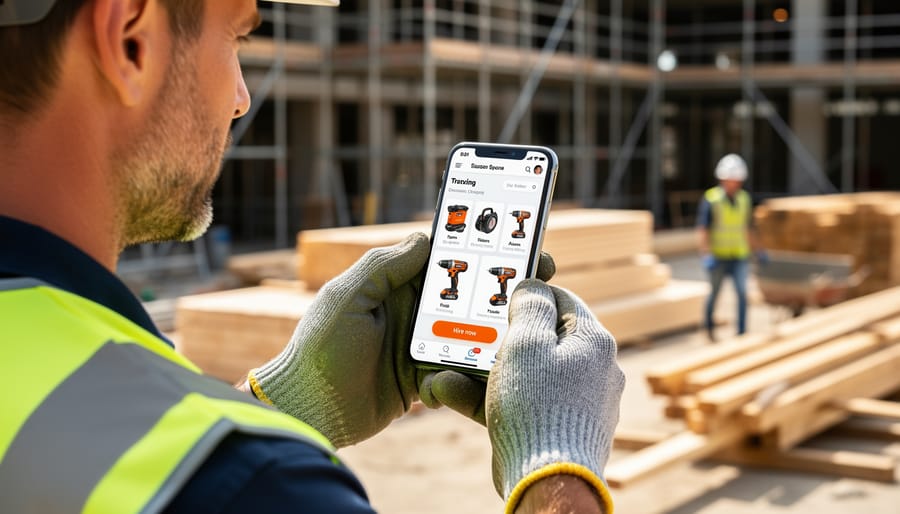
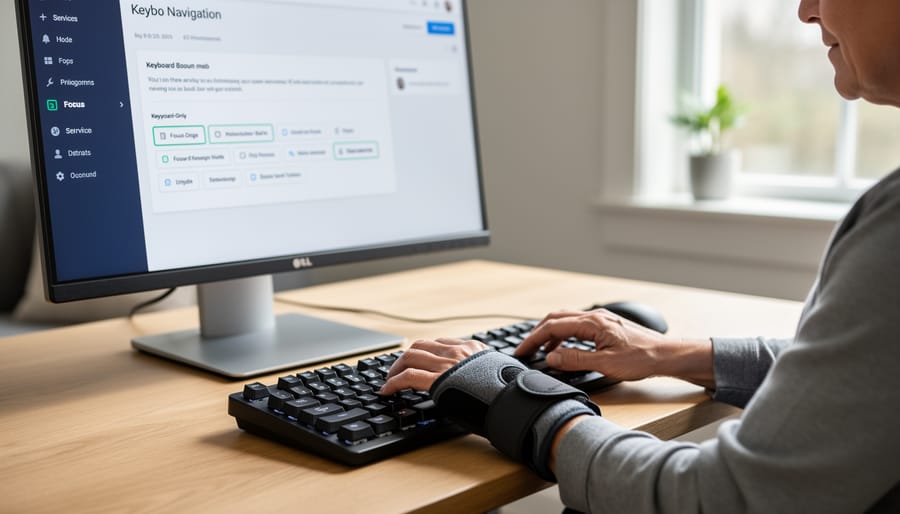
For tradespeople working on-site or customers browsing while wearing gloves, keyboard navigation isn’t just a nice feature—it’s essential. Your platform must be fully usable without a mouse, allowing users to tab through equipment listings, rental forms, and booking confirmations using only keyboard controls.
Start by ensuring all interactive elements can be accessed with the Tab key and activated with Enter or Space. This includes equipment search filters, quantity selectors, date pickers for rental periods, and submission buttons. Test that users can navigate through your entire booking process from start to finish using only keyboard commands.
Focus indicators are critical. When someone tabs to a button or link, they need clear visual feedback showing exactly where they are on the page. Default browser outlines work, but custom focus styles with high contrast borders make navigation even clearer for users in bright outdoor conditions or dimly lit workshops.
For mobile accessibility, consider that touchscreens require larger tap targets—at least 44 by 44 pixels—so users can accurately select options even with work gloves on. Avoid hover-dependent menus that don’t translate to touch interfaces. Your equipment categories, review buttons, and booking controls should respond equally well to touch, click, or keyboard input, ensuring every customer can complete their rental regardless of how they access your platform.
Visual Design Standards for Better Readability
Visual readability directly impacts how quickly users can find the right equipment and understand important safety guidelines on your platform. Start with color contrast ratios of at least 4.5:1 for normal text and 3:1 for large text, which the Web Content Accessibility Guidelines recommend. This ensures tool specifications, pricing details, and safety warnings remain readable for users with vision impairments or those viewing your site in bright outdoor conditions on mobile devices.
Font sizing matters equally. Use a minimum of 16 pixels for body text describing equipment features and rental terms. Navigation elements and call-to-action buttons should be large enough for easy tapping on touchscreens, typically 44×44 pixels minimum. When displaying user reviews and community ratings, maintain consistent sizing so feedback remains scannable.
Visual hierarchy guides users through your content logically. Place critical safety information prominently using larger headings and high-contrast colors. Tool availability status and booking buttons should stand out from surrounding content. Break up dense specification lists with white space and organize related information through clear sectioning. This approach helps professional tradespeople quickly compare equipment options while ensuring DIY enthusiasts don’t overlook important usage instructions embedded in your listings.
Making User-Generated Content Compliant
Review and Rating Accessibility
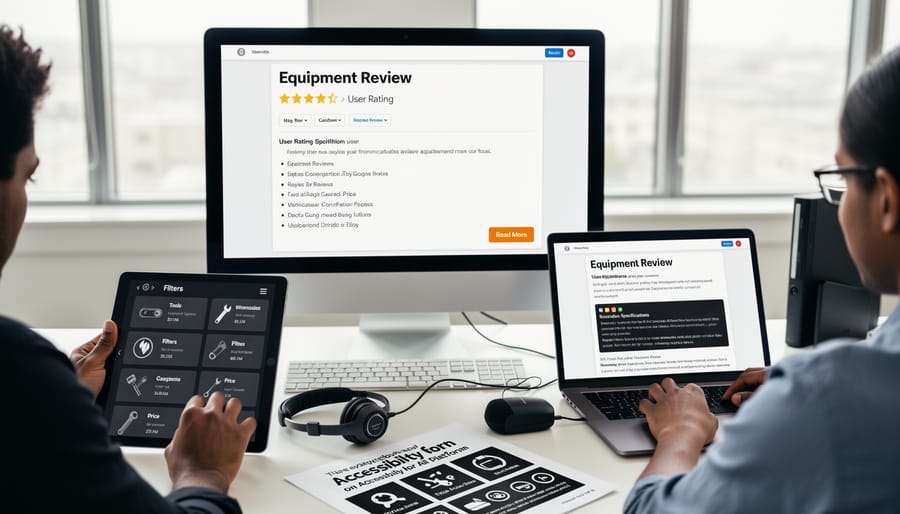
User reviews and ratings are essential for helping customers choose the right equipment, but they’re only effective if everyone can access them. Star ratings should never rely solely on visual symbols. Include text alternatives that screen readers can interpret, such as “4 out of 5 stars” or “Rated 4.5 stars by 127 users.” For visual users, ensure sufficient color contrast between rating stars and their background.
User testimonials need proper semantic markup using blockquote elements and clear attribution. When customers share feedback about their drill rental experience or pressure washer performance, that content should be navigable using keyboard controls. Allow users to skip through reviews if needed, rather than forcing them to tab through dozens of entries.
Equipment feedback forms must include clear labels for every input field. If you’re asking users to rate reliability, ease of use, or value for money, associate each label directly with its corresponding form element. Provide descriptive error messages that explain exactly what needs correction rather than generic warnings.
Consider implementing filtering options that work with assistive technologies. Users should be able to sort reviews by rating, date, or equipment type using accessible dropdown menus or radio buttons. Test your review system with actual screen readers to identify barriers before your customers encounter them.
User-Submitted Listings and Media
When community members contribute tool listings to your platform, accessible uploads benefit everyone. Start by creating clear guidelines that explain how to write descriptive tool titles and detailed descriptions. Encourage users to include specific information like model numbers, power specifications, and physical dimensions that help renters make informed decisions.
For image uploads, provide simple instructions on capturing clear, well-lit photos from multiple angles. Implement automated checks that flag low-resolution images or missing alternative text fields. Build prompts into your upload process that ask contributors to describe what the image shows—this alternative text helps vision-impaired users understand equipment features and is essential for screen reader compatibility.
Consider integrating these accessibility prompts directly into your user account features so members naturally develop good habits from their first listing. Template fields work well: create dropdown menus for tool categories, condition ratings, and safety equipment requirements. This structured approach ensures consistency while reducing the learning curve for new contributors.
Review user submissions regularly and provide constructive feedback. Highlight excellent examples in your community guidelines to demonstrate best practices. When users understand that accessible listings reach more potential renters and generate better engagement, they become willing partners in maintaining compliance standards across your entire platform.
Alternative Text for Equipment Photos
Equipment photos and instructional diagrams require thoughtful alternative text that goes beyond simple labels. For tool images, describe both the item and its key features that users need to know. Instead of “power drill,” write “18V cordless drill with variable speed trigger and LED work light.” This helps users with visual impairments understand what makes each tool unique when comparing rental options.
For instructional diagrams showing how to use equipment, explain the action being demonstrated. Rather than “diagram,” use “Step-by-step diagram showing proper blade installation on circular saw, with arrows indicating clockwise rotation.” This ensures everyone can follow safety procedures regardless of how they access your content.
Avoid redundant phrases like “image of” or “picture of” since screen readers already announce these as images. Keep descriptions concise but informative, typically under 125 characters for simple product shots and longer for complex diagrams that convey safety or operational information. When multiple images show the same tool from different angles, vary your descriptions to note what each view reveals, such as “front view showing control panel” or “side view displaying adjustable depth gauge.”
Testing Your Platform for Compliance
Automated Testing Tools You Can Use Today
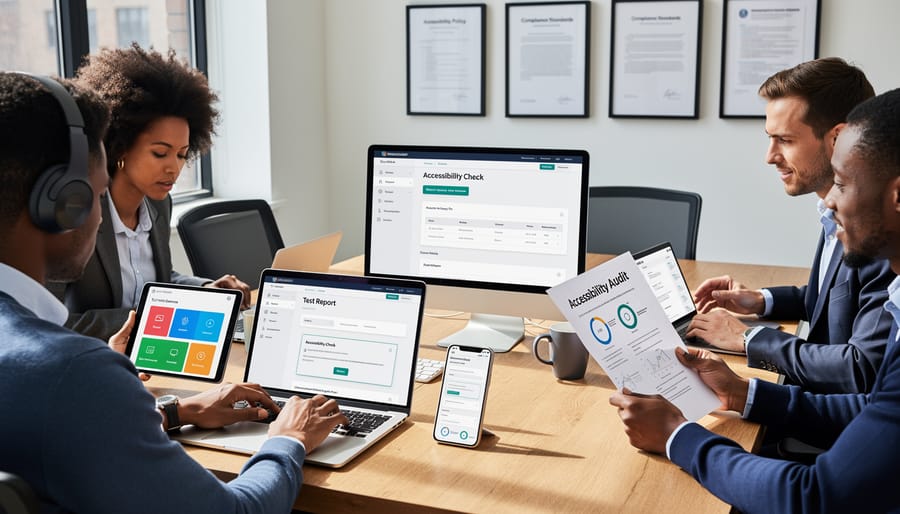
Testing your equipment rental site for accessibility doesn’t require expensive consultants or specialized knowledge. Several free tools can audit your website right now and provide clear, actionable feedback.
WAVE (Web Accessibility Evaluation Tool) is a browser extension that visually highlights accessibility issues directly on your webpage. When you run WAVE on your equipment listings page, it identifies problems like missing alternative text on power drill images or poorly labeled booking forms. The visual overlay makes it easy to see exactly where issues exist, perfect for quickly checking new product listings before publishing.
Axe DevTools integrates directly into your browser’s developer tools and provides detailed reports with specific code recommendations. For rental sites, it excels at catching complex issues like improper form labels on your checkout process or missing ARIA attributes on interactive booking calendars. The tool explains each issue in plain language and rates severity levels.
Google Lighthouse runs comprehensive audits including accessibility checks as part of Chrome DevTools. Beyond identifying problems, Lighthouse provides an accessibility score and performance metrics. For tool rental platforms, this helps you understand how compliance improvements affect overall site speed and user experience. Simply open DevTools, navigate to the Lighthouse tab, and generate a report for any page including equipment catalogs or user review sections.
Manual Testing That Catches What Automation Misses
While automated testing tools are invaluable, they typically catch only about 30-40% of accessibility issues. The rest require human judgment and real-world testing to uncover. Here’s how to conduct manual tests that matter for your tool hire platform.
Start with keyboard-only navigation. Unplug your mouse and try completing key tasks using only the Tab, Enter, and arrow keys. Can users browse equipment categories, add items to their booking cart, and complete a rental transaction? Pay special attention to your search filters and date picker tools, as these often trap keyboard users or skip important interactive elements entirely.
Next, test with actual screen readers. NVDA (free for Windows) and VoiceOver (built into Mac and iOS) are excellent starting points. Listen as the screen reader announces your equipment listings. Does it clearly state the tool name, daily rate, and availability status? Are user reviews readable in a logical order? Screen reader users rely entirely on this audio information to understand your offerings.
Finally, conduct usability checks on real devices. Test your booking system on an older smartphone, a tablet, and a desktop computer. Ask team members or community members to attempt common tasks like searching for a specific power tool or leaving a review. Their feedback often reveals confusion points that technical testing misses. Consider inviting users with disabilities to provide input, as their lived experience highlights barriers automated scans cannot detect. Document what you find and prioritize fixes based on how severely issues block core rental functions.
Common Compliance Mistakes in Tool Rental Platforms
Booking Forms and Checkout Barriers
Booking systems on tool hire platforms can unintentionally exclude users if not designed with accessibility in mind. Date picker calendars frequently rely on mouse-only interactions, making them difficult for keyboard users or screen reader users to navigate when selecting rental periods. The challenge intensifies when custom delivery forms lack proper field labels or error messages that clearly explain what went wrong during submission.
Payment gateways present another common barrier. Many payment processes include security measures like timed checkout sessions or CAPTCHA verification that can frustrate users with disabilities. Screen readers may not announce countdown timers properly, causing unnecessary stress, while image-based verification tests pose significant obstacles for vision-impaired customers.
To improve these touchpoints, ensure your date pickers offer keyboard navigation and clear month-year selection options. Add descriptive labels to every form field and provide specific, helpful error messages rather than generic warnings. Consider implementing accessible CAPTCHA alternatives like checkbox verification, and always allow sufficient time for users to complete transactions without pressure. These practical adjustments make booking equipment smoother for everyone while meeting compliance requirements.
PDF Safety Manuals and Documentation Issues
Many tool hire platforms provide safety manuals and equipment documentation exclusively as downloadable PDFs. While this seems convenient, it creates significant compliance barriers. PDF files often aren’t accessible to screen readers used by visually impaired users, violating WCAG standards. They also don’t adapt to mobile screens, making safety information difficult to read on-site when users need it most.
The primary issue is that PDFs are static documents. If someone needs to zoom text, navigate with a keyboard, or use assistive technology, they’ll struggle. This isn’t just inconvenient—it’s a legal compliance risk under accessibility regulations.
Instead, convert safety documentation into native web pages with proper HTML formatting. This ensures content is responsive, searchable, and works with all assistive technologies. For essential documents that must remain as PDFs, provide an accessible HTML alternative alongside the download option.
When creating web-based safety guides, break information into clear sections with descriptive headings. Use bullet points for safety checklists and numbered lists for step-by-step instructions. Include alt text for all diagrams and images. This approach not only meets compliance standards but also helps users find critical safety information quickly, whether they’re browsing from a workshop computer or checking instructions on their phone at the pickup location.
Staying Compliant as Your Platform Grows
Maintaining compliance isn’t a one-time task. As your tool rental platform expands, you’ll need ongoing strategies to ensure every new feature, team member, and piece of content meets accessibility and legal standards.
Start by establishing clear content guidelines for anyone contributing to your platform. If users submit equipment reviews or rental experiences, provide simple instructions about creating descriptive, helpful content. For example, encourage reviewers to describe tool performance in plain language rather than technical jargon only professionals would understand. Your internal team should follow similar guidelines when adding new listings or updating platform features.
Regular training keeps everyone aligned with compliance requirements. Hold quarterly sessions covering accessibility basics, such as writing clear alternative text for equipment images or ensuring instructional videos include captions. When you introduce new booking features or payment systems, review how these changes affect users who rely on screen readers or keyboard navigation.
Schedule compliance audits at least twice yearly. Use automated tools to scan for common accessibility issues like missing form labels or low color contrast, but also conduct manual testing. Try navigating your entire booking process using only a keyboard, or test your site with a screen reader to identify problems automated tools might miss.
Stay informed about evolving standards by subscribing to accessibility newsletters and following official WCAG updates. When regulations change or new assistive technologies emerge, assess how these developments affect your platform. Document your compliance efforts, including audit results and remediation steps, as this record demonstrates your commitment to accessibility if questions arise.
Remember that community-driven platforms benefit most when everyone can participate fully, making ongoing compliance efforts worthwhile for both legal protection and user satisfaction.
Web compliance isn’t a box you tick once and forget about. It’s an ongoing commitment that grows alongside your platform and evolving standards. As accessibility guidelines update and new features roll out on your tool hire site, regular audits and user testing ensure you’re meeting both legal requirements and real-world needs.
Here’s the encouraging truth: when you prioritize accessibility, everyone wins. Features like clear navigation, detailed equipment descriptions, and properly structured forms don’t just help users with disabilities—they create a smoother, more intuitive experience for your entire community. Whether someone’s booking a concrete mixer on their lunch break or comparing user reviews on a mobile device, accessible design delivers tangible user experience benefits.
Start small if the full scope feels overwhelming. Begin with adding alt text to equipment images, ensuring your rental booking forms work with keyboards, or improving color contrast on call-to-action buttons. Each improvement builds momentum and brings you closer to full compliance. Your users—and your business—will benefit from these practical steps forward. Remember, accessibility is about opening doors, not creating barriers.
Related Posts


Post a Comment