
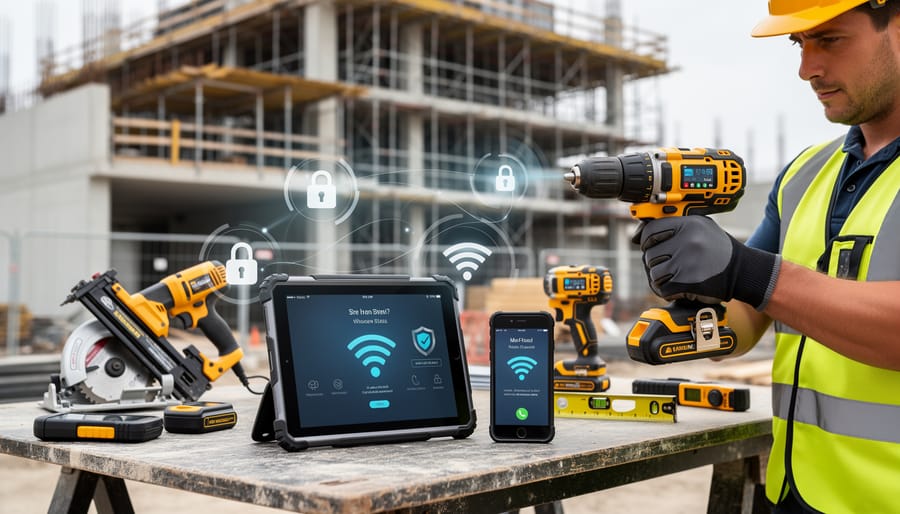
Disconnect smart tools from WiFi networks when not actively using them to prevent unauthorized access during idle periods. Change all default passwords on connected equipment immediately—manufacturers often use identical credentials across product lines, making your tools vulnerable the moment you power them on. Create a separate guest network exclusively for construction equipment to isolate these devices from computers containing project plans, financial records, and client information.
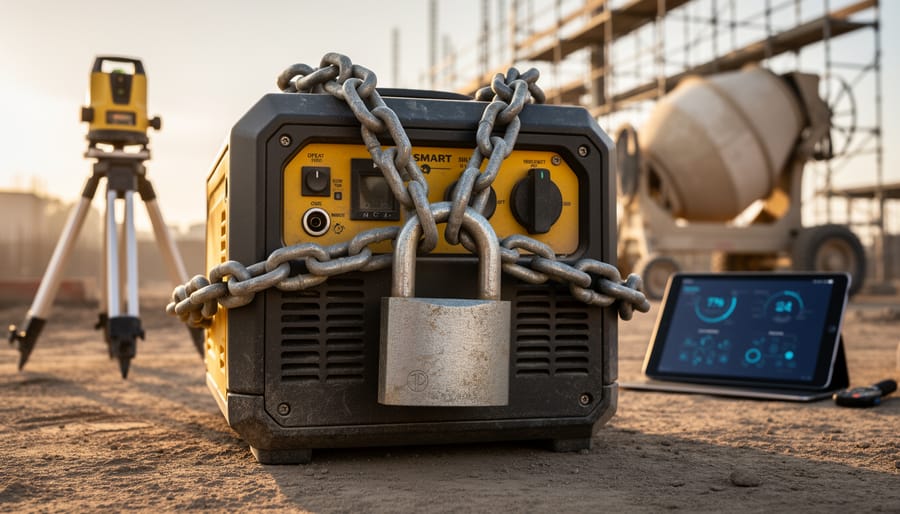
Industrial Control Systems (ICS) now exist in tools you rent and own. That concrete mixer with Bluetooth connectivity, the laser level syncing to your tablet, and the job site generator with remote monitoring capabilities all communicate through networks that hackers can exploit. When compromised, these systems don’t just leak data—they can cause physical harm by altering equipment settings, disabling safety features, or triggering unexpected machine operations.
The construction industry has experienced a 400% increase in cyberattacks over the past three years, with connected tools becoming prime targets. Attackers gain entry through inadequately secured equipment, then move laterally through networks to access valuable information or sabotage projects. For professional tradespeople, a single breach can expose client data, compromise competitive bids, and create liability issues. DIY enthusiasts face similar risks when renting connected equipment that may have been previously compromised or poorly maintained.
Understanding these threats isn’t optional anymore—it’s fundamental to job site safety. The same vigilance you apply to wearing protective gear and following lockout-tagout procedures must extend to the digital realm. Every connected device represents both a productivity tool and a potential vulnerability, requiring you to balance convenience with security measures that protect your work, your clients, and yourself from increasingly sophisticated cyber threats.
What Are Industrial Control Systems in Construction Tools?
From Traditional Tools to Smart Equipment
The toolshed has undergone a dramatic transformation over the past decade. What once consisted of purely mechanical equipment—hammers, saws, and drills powered by nothing more than electricity or elbow grease—now includes devices that connect to the internet and communicate with other systems. This shift brings remarkable convenience but also introduces cybersecurity concerns that few DIYers and tradespeople anticipated.
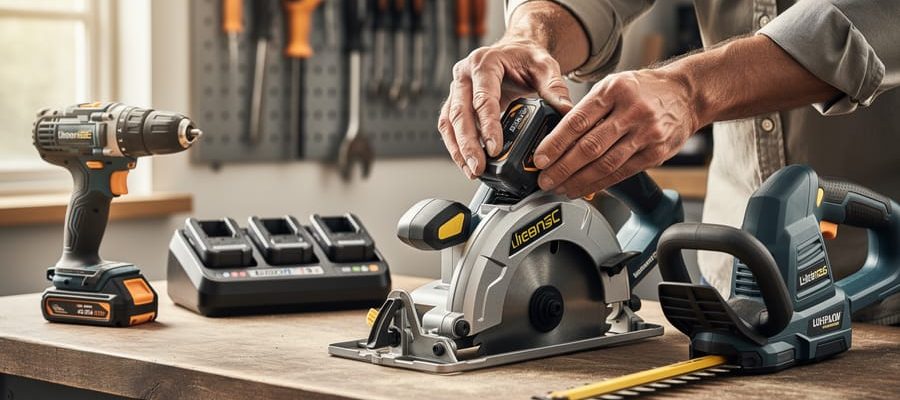
Consider today’s smart power tools available at rental centers. Modern cordless drills often feature Bluetooth connectivity to track battery life and usage patterns through smartphone apps. Laser levels sync with tablets to store measurements in the cloud. Even basic equipment like compressors can now send maintenance alerts to your phone.
The rental industry has embraced this connectivity enthusiastically. GPS tracking helps companies monitor equipment location and prevent theft. Telematics systems collect data on machine hours, fuel consumption, and maintenance needs for everything from excavators to generators. Some rental platforms now offer remote unlocking—you reserve equipment online, receive a digital key, and access it directly from the yard without visiting an office.
For professionals managing multiple job sites, remotely monitored machinery provides real-time insights into productivity and equipment health. Temperature sensors, vibration monitors, and pressure gauges transmit continuous data streams, allowing predictive maintenance that prevents costly breakdowns.
This connectivity creates efficiency gains, but every wireless connection, cloud database, and smartphone app represents a potential entry point for cyber threats—a reality that demands attention from anyone using modern tools.
How These Systems Communicate
Modern connected construction equipment relies on three primary communication methods, each creating potential security vulnerabilities you need to understand.
Wi-Fi connections are the most common, allowing tools to sync with smartphones, tablets, or job site networks. These wireless networks transmit data about tool performance, location tracking, and usage patterns. The risk here is straightforward: unsecured Wi-Fi can let unauthorized users access your tools or intercept sensitive project data. Think of it like leaving your toolbox unlocked in a public space.
Bluetooth operates over shorter distances, typically used for pairing tools with mobile apps for diagnostics and settings adjustments. While the limited range offers some protection, Bluetooth connections can still be hijacked if someone gets close enough to your equipment, potentially allowing them to disable safety features or steal proprietary settings.
Cellular networks enable remote monitoring and fleet management for rental companies and large contractors. These connections use the same technology as your smartphone, transmitting tool location and operational data continuously. A compromised cellular connection could expose your entire equipment inventory to tracking or theft.
Each connection point represents a potential doorway for cyber threats, making it essential to secure all three communication channels on your job site.
Real Threats Facing Connected Construction Tools
Unauthorized Access and Tool Hijacking
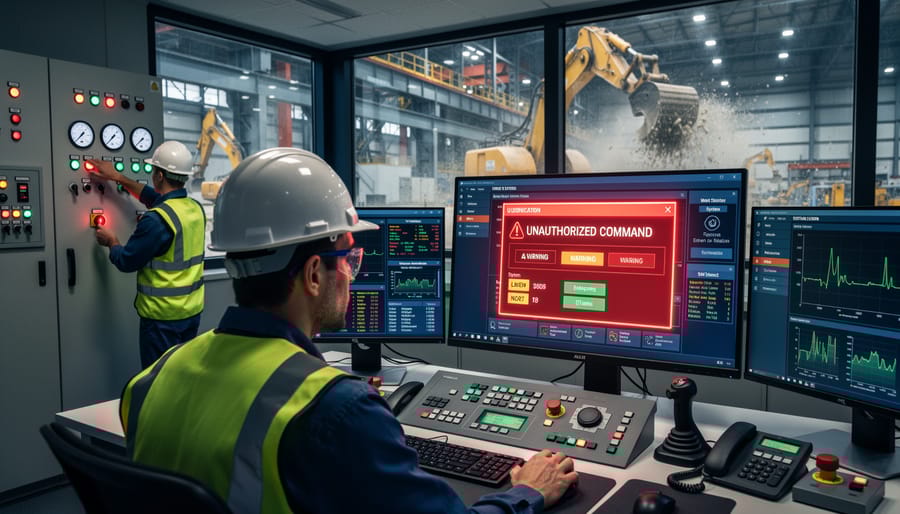
When construction equipment connects to networks or accepts wireless commands, it creates entry points for unauthorized access. Hackers can exploit weak passwords, unencrypted connections, or outdated software to take control of tools remotely. This isn’t just a data problem—it creates real physical dangers on job sites.
Consider smart concrete mixers with automated controls. A hacker gaining access could alter mixing ratios, compromising structural integrity. Connected cranes and lifts present even greater risks: unauthorized control could cause loads to drop unexpectedly or equipment to move when workers are nearby. In 2019, researchers demonstrated they could remotely disable safety features on connected industrial equipment, highlighting vulnerabilities that affect construction sites today.
Tool theft has also evolved. Criminals can disable GPS tracking on connected equipment or use compromised access to unlock tool storage systems. Some sophisticated attacks target rental fleet management systems, allowing thieves to identify high-value equipment locations and bypass security measures.
The danger extends to seemingly simple tools. Connected power tools storing job specifications could be manipulated to operate at unsafe speeds or torque levels. Battery management systems might be altered to overcharge, creating fire hazards.
Understanding these risks helps you ask the right questions about security features before purchasing or renting connected equipment, and recognize warning signs of potential compromise on your job sites.
Data Theft and Privacy Concerns
Modern connected tools collect surprisingly detailed information about your work. Location tracking shows exactly where equipment is being used and when, while usage patterns reveal how long tools run, what settings you prefer, and even the intensity of each job. Project management features embedded in smart tools often store blueprints, timelines, and client details. Similar to smart diagnostic systems in vehicles, these tools transmit performance data that could expose proprietary techniques or business strategies.
If this data falls into the wrong hands, the consequences extend beyond privacy invasion. Competitors could access your project schedules and underbid jobs. Thieves can track high-value equipment locations and usage patterns to plan targeted thefts when tools are most vulnerable. Client information breaches could violate confidentiality agreements and damage professional relationships. For rental companies, compromised customer data exposes personal details, payment information, and rental histories.
The real concern is that many users remain unaware of what information their tools collect or how it’s being stored and protected. Understanding this data flow is the first step in protecting your professional interests and personal privacy.
Ransomware and Operational Disruption
Ransomware has evolved from simply locking computers to targeting industrial systems, including rental equipment fleets. When attackers encrypt the control systems managing inventory, scheduling, or smart tools, rental companies can lose access to their entire operation. This isn’t a theoretical risk—construction equipment providers have experienced attacks that prevented them from tracking where tools were located, processing rentals, or even unlocking equipment already on job sites.
For you as a renter, this means arriving at a project only to find the company can’t access their system to complete your rental. Smart tools with digital locks might become unusable mid-project if the manufacturer’s systems are compromised. Projects get delayed, deadlines slip, and costs mount while the company works to restore access.
The practical impact extends beyond inconvenience. If you’re relying on specific equipment for time-sensitive work, a ransomware attack on your rental provider could force you to scramble for alternatives or halt work entirely. Professional tradespeople have reported losing days of productivity when rental companies were locked out of their scheduling systems.
To protect yourself, maintain relationships with multiple rental providers so you have backup options. Before starting critical projects, confirm the company has cybersecurity measures and recovery plans in place. This simple conversation can save you significant headaches down the road.
Security Vulnerabilities in Your Rental and Personal Tools
Default Passwords and Weak Authentication
One of the most common yet preventable security vulnerabilities in industrial control systems is the use of default passwords. When manufacturers ship smart tools and connected equipment, they typically include factory-set usernames and passwords like “admin/admin” or “user/1234” to simplify initial setup. The problem is that most users never change these credentials, creating an open door for attackers.
Think of it like leaving your house key under the doormat—everyone knows to look there. Hackers use publicly available lists of default credentials for various equipment brands and models. Once they identify your device type, they can often gain access in seconds using these preset passwords.
The consequences extend beyond simple unauthorized access. An attacker with control over your industrial equipment could modify settings, causing tools to malfunction or operate unsafely. In rental scenarios, this risk multiplies since equipment passes through many hands, and tracking who had access becomes nearly impossible.
The fix is straightforward: immediately change default passwords when setting up any connected tool or system. Create strong, unique passwords that combine uppercase and lowercase letters, numbers, and symbols. For shared equipment in workshops or job sites, establish a protocol for regularly updating credentials and documenting who has access. This simple step dramatically reduces your vulnerability to opportunistic attacks.
Outdated Firmware and Software
Tool manufacturers release firmware and software updates for three main reasons: fixing security vulnerabilities, improving performance, and addressing bugs that users have reported. Think of firmware as the operating system that runs your smart drill or connected laser level. When security researchers discover a weakness in how these systems communicate, manufacturers patch it through updates. Without these patches, your tools remain vulnerable to the exact threats the update was designed to prevent.
Here’s a real-world example: a smart job site camera with outdated firmware might still use default passwords that hackers can easily guess. An update would enforce stronger password requirements and close network loopholes. When users skip updates, they’re essentially leaving the digital equivalent of their toolbox unlocked.
The consequences of outdated software go beyond individual tools. On connected job sites, one unpatched device can become an entry point for attackers to access your entire network. This means project plans, client information, and even control of other connected equipment could be compromised. Many professionals delay updates worrying about downtime or compatibility issues, but most modern updates install quickly and manufacturers test them thoroughly before release. Set a monthly reminder to check for updates across all your connected tools and control systems.
Unsecured Network Connections
Public Wi-Fi and unsecured job site networks pose significant risks to connected industrial tools and equipment. When you connect a smart tool or control system to an unprotected network, you’re essentially leaving the door open for unauthorized access. Hackers on the same network can potentially intercept data transmissions, steal login credentials, or even take control of equipment.
Job sites often have temporary network setups that prioritize convenience over security—no password protection, default router settings, or shared access with dozens of workers and contractors. This creates an easy entry point for cybercriminals. Even seemingly harmless actions like checking tool diagnostics over public Wi-Fi can expose sensitive information about your equipment, project timelines, and site locations.
To protect yourself, avoid connecting industrial control systems to public networks whenever possible. If you must connect remotely, use a virtual private network (VPN) to encrypt your data. For job site networks, ensure they’re password-protected with WPA3 encryption and change default router credentials immediately. Consider creating separate guest networks for connected tools, isolating them from devices containing sensitive business information. When renting equipment, ask about the network security requirements and whether the tools store any data that could be compromised on unsecured connections.
Practical Cybersecurity Steps for Tool Users
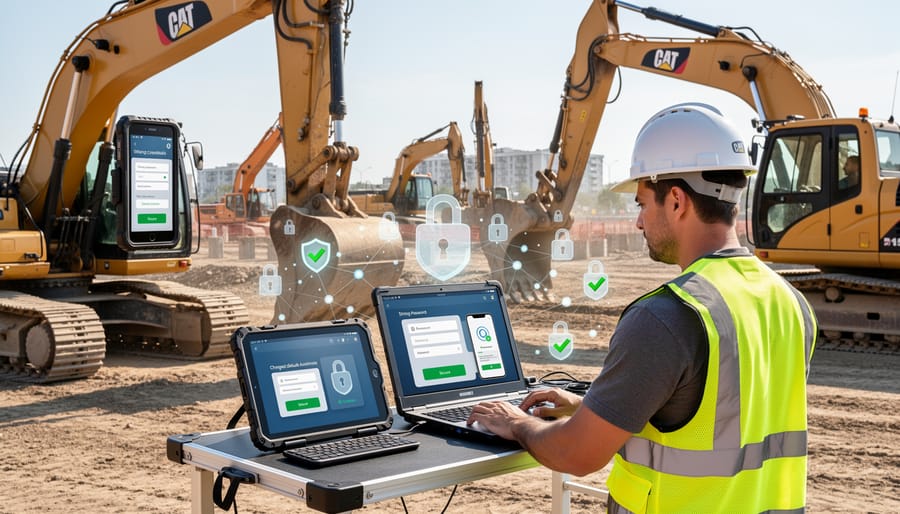
Secure Your Tool Connections
Modern power tools with connected features come with default security settings that are rarely strong enough to keep hackers out. Taking a few minutes to properly secure your tool connections can prevent unauthorized access and protect both your equipment and project data.
Start by changing default passwords immediately after first use. Most manufacturers ship tools with generic passwords like “admin” or “1234” that hackers can easily guess. Access your tool’s companion app or built-in interface, navigate to security settings, and create a unique password combining letters, numbers, and symbols. Write it down in a secure location—losing access to your $500 drill because you forgot the password helps nobody.
Enable two-factor authentication (2FA) whenever the option exists. This security feature requires a second verification method beyond your password, typically a code sent to your phone. While not yet standard on all connected tools, higher-end brands increasingly offer this protection. Check your tool’s app settings under “Security” or “Account Protection” to activate it.
For Bluetooth-enabled tools, proper pairing setup is essential. When connecting your tool for the first time, ensure you’re in a private location away from public spaces where others might intercept the pairing process. Only pair devices you personally own and trust. Disable Bluetooth when not actively needed—this prevents unwanted connection attempts. Most tools allow you to manage paired devices through their app; regularly review this list and remove any devices you no longer recognize or use.
These straightforward steps create multiple barriers between your valuable equipment and potential security threats.
Keep Your Tools Updated
Keeping your smart tools’ software current is one of the simplest yet most effective ways to protect against cyber threats. Think of firmware updates like changing the locks on your doors—manufacturers regularly patch security vulnerabilities that hackers could exploit.
Start by creating a simple spreadsheet or notebook to track your connected tools. List each device’s model number, current firmware version (usually found in the tool’s app or settings menu), and the date you last checked for updates. This update log helps you spot patterns and ensures nothing gets overlooked.
Check manufacturer websites or companion apps monthly for firmware updates. The process typically involves connecting your tool via Bluetooth or Wi-Fi and following on-screen prompts. Many newer tools offer automatic update notifications—enable this feature in your settings if available, though you’ll still want to verify updates installed successfully.
For rental equipment, ask the rental company about their update protocols before taking tools home. Reputable providers should maintain current firmware on all connected devices. If they can’t confirm update status, consider that a red flag for their overall cybersecurity practices.
Set a recurring calendar reminder for the first of each month to review your update log and check for new firmware releases. This 15-minute routine significantly reduces your vulnerability to known security threats.
Use Safe Network Practices
Your job site network is the backbone of your connected tools’ security. Start by treating your work Wi-Fi like you would your home network—change default passwords immediately and use strong, unique credentials. If you’re setting up a temporary network for a project, create a dedicated guest network separate from any administrative systems.
When working remotely or accessing project data from the field, use a Virtual Private Network (VPN). Think of a VPN as a secure tunnel for your data—it encrypts information traveling between your device and the internet, making it unreadable to anyone trying to intercept it. Many affordable VPN services exist specifically for small businesses and contractors.
Avoid connecting work devices to public Wi-Fi networks at coffee shops or hotels without VPN protection. These open networks are prime hunting grounds for cybercriminals. If you must use public Wi-Fi, disable file sharing and ensure your device firewall is active.
For rental equipment with network capabilities, ask the rental company about their security protocols. Have they updated the firmware? Are default passwords changed between rentals? Don’t assume these steps have been taken—verify them yourself or perform the updates before connecting the equipment to your network. This simple diligence prevents your project from becoming an entry point for cyber threats.
Monitor and Audit Your Equipment
Regular monitoring is your first line of defense against cyber threats. Check your connected tools daily for unusual behavior—unexpected software updates, unfamiliar network connections, or tools that activate without input. Most smart tools have companion apps that display connection logs and access history; review these weekly to spot unauthorized login attempts. Set up alerts for suspicious activity when available. Document any anomalies, including error messages or performance changes, and report them immediately to the manufacturer. For rental equipment, inspect the device’s settings before and after use to ensure no unauthorized configurations were added. Keep a simple logbook noting normal operating patterns so you can quickly identify when something’s off. Many cybersecurity breaches show warning signs days before serious damage occurs—staying vigilant helps you catch problems early when they’re easiest to fix.
Security Considerations When Renting Connected Tools
What to Ask Rental Companies
Before renting connected tools or equipment, protect yourself by asking these essential security questions. Start by inquiring whether the company maintains cybersecurity protocols for their rental equipment fleets. Ask specifically: “Do your connected tools receive regular firmware updates and security patches?” This ensures devices aren’t running outdated, vulnerable software.
Clarify data handling practices: “What project data does the equipment collect, and how is it stored?” Understanding whether measurements, location data, or usage patterns are recorded helps you assess privacy risks. Follow up with: “Who has access to data generated during my rental period, and is it deleted after return?”
Address network safety directly: “Are tools pre-configured with default passwords, and can I change them?” Default credentials are a major security weakness. Also ask: “Do you provide guidance on safely connecting equipment to my network or isolated networks?”
Finally, request: “What happens if a security breach occurs during my rental?” Knowing the company’s incident response plan and liability coverage protects you from potential consequences of compromised equipment.
Protecting Your Data on Rental Equipment
When returning rental equipment with digital capabilities, take proactive steps to protect your information. Start by checking any connected tools for stored data—some modern drills, saws, and measuring devices save usage patterns, project settings, or even location history. Before returning equipment, perform a factory reset following the manufacturer’s instructions, typically found in the user manual or on their website.
For tools with companion smartphone apps, disconnect the device from your account through the app’s settings menu. Remove any Bluetooth pairings from your phone to prevent future unauthorized connections. If you’ve connected equipment to your workshop’s Wi-Fi network, delete those credentials from the tool’s memory. Many devices store network information even after being turned off.
Review any cloud accounts associated with the rental. Some equipment manufacturers automatically save project data to online platforms. Log into these accounts and delete your projects, measurements, or custom settings. If you created a temporary account specifically for the rental period, close it entirely rather than leaving it dormant.
Before pickup, ask rental companies about their data-wiping procedures. Reputable providers should have protocols for clearing previous user information from returned equipment. Understanding their practices helps you gauge whether additional precautions are necessary. Document serial numbers and take photos of wiped settings as proof of your due diligence, protecting both your privacy and limiting potential liability for subsequent data breaches.
Safety First: How Cybersecurity Protects You Physically
When you think about cybersecurity, workplace injuries and property damage probably don’t come to mind. But here’s the reality: compromised industrial control systems in construction tools can directly threaten your physical safety. A hacked or malfunctioning connected tool doesn’t just lose data—it can malfunction in ways that cause serious harm.
Consider a smart concrete saw with computerized depth controls. If its software is compromised or contains unpatched vulnerabilities, the blade depth settings could suddenly change mid-cut. What should be a controlled 2-inch cut could unexpectedly plunge to 6 inches, striking rebar, electrical conduits, or water pipes hidden beneath the surface. The resulting kickback, sparks, or flooding creates immediate danger to anyone nearby.
Similarly, connected scaffolding systems that monitor load distribution rely on sensors and software to alert workers when weight limits are approaching. A cyberattack or corrupted firmware could disable these warnings entirely, leading to catastrophic collapses. In 2019, researchers demonstrated they could remotely manipulate industrial robot arms, causing sudden jerking motions that could crush nearby workers.
Temperature-controlled equipment presents another risk. Smart welding machines or battery-powered heated blankets for concrete curing depend on precise thermal management. Compromised systems might overheat, causing burns, fires, or toxic fume releases in enclosed spaces.
Even something as simple as a connected ladder with built-in sensors for angle and stability warnings becomes dangerous if those alerts fail due to cybersecurity issues. Workers relying on these safety features could find themselves in precarious positions without warning.
The connection between digital security and physical safety is clear: protecting your tools from cyber threats isn’t just about data—it’s about preventing accidents. That’s why combining tool safety training with cybersecurity awareness has become essential for modern tradespeople and DIY enthusiasts alike.
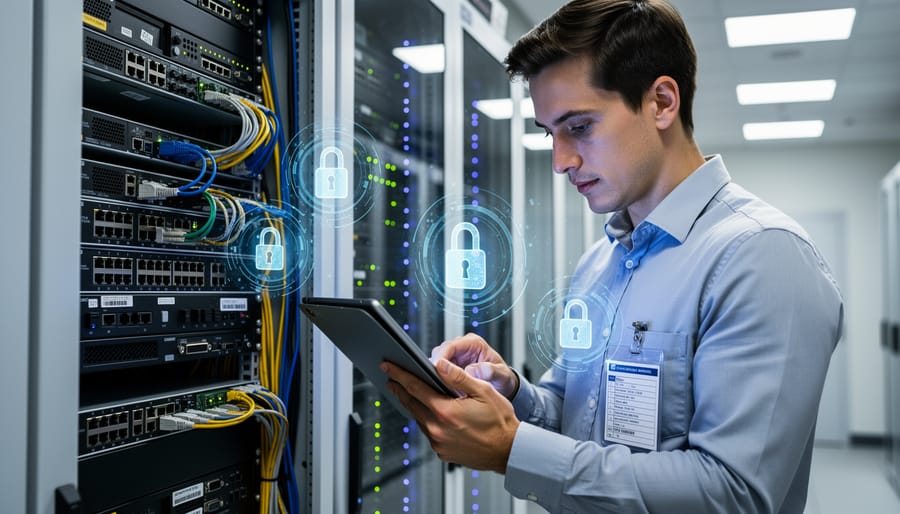
Protecting your connected construction tools from cyber threats isn’t just a tech issue—it’s about safeguarding your projects, your financial investment, and most importantly, your physical safety. As we’ve explored, the industrial control systems in modern power tools, laser levels, and smart equipment can be vulnerable to attacks that range from data theft to actual equipment malfunction. But the good news is that you don’t need to be a cybersecurity expert to take meaningful protective action.
Start with the basics: change default passwords immediately, keep firmware updated, and think carefully about what you connect to your network. Whether you own your tools or rent them, ask questions about security features and practices. Remember that rental equipment requires extra vigilance since you’re sharing access with others who may not prioritize cybersecurity.
The construction and DIY community thrives on shared knowledge and practical experience. We want to hear from you—have you encountered security issues with connected tools? What measures have worked for your workshop or job site? Your experiences can help others protect themselves too.
Take action today: choose just one security measure from this article and implement it this week. It might be updating your tool’s firmware, creating a separate network for your smart equipment, or simply reviewing the security settings on devices you already own. Small steps create significant protection, and your proactive approach today prevents serious problems tomorrow.
Related Posts

Post a Comment