

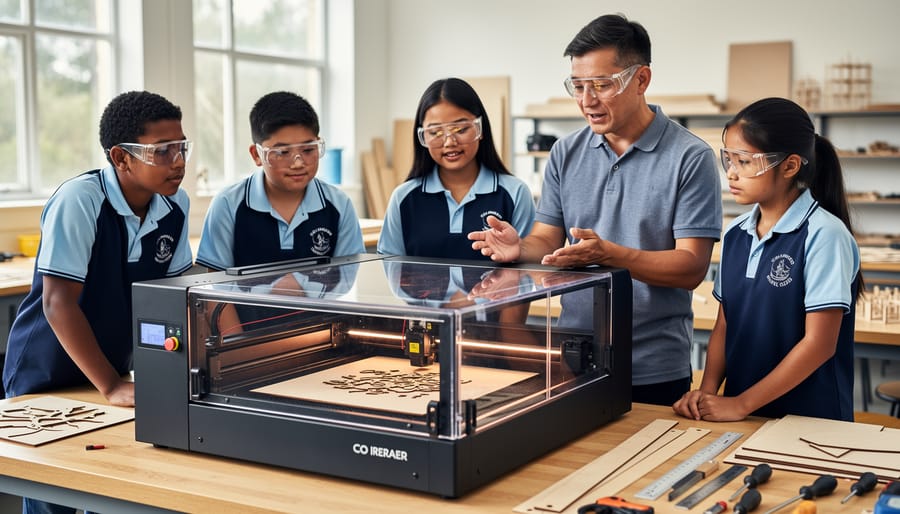
In the modern Australian classroom, the shift from STEM to STEAM (incorporating Art) is being accelerated by one specific tool: the laser cutter. Unlike 3D printers, which can take hours to produce a single component, a laser cutter works in minutes. This allows an entire class of 25–30 students to prototype, test, and iterate within a single double-period.
Integrating an OMTech laser into your school’s Design and Technologies (D&T) department isn’t just about teaching “machine operation”—it’s about delivering the Australian Curriculum through design thinking, spatial reasoning, and digital literacy.

Why Laser Cutting is a STEM Powerhouse
Laser technology offers a tangible link between abstract mathematical concepts and physical reality, essential for Year 9–10 Electives and Senior Secondary outcomes.
- Rapid Iteration: In engineering, failure is a data point. Because laser cutting is fast, students can test a timber truss bridge, observe the structural failure, tweak their CAD file, and recut a refined version in the same lesson.
- Mathematics in Motion: Students move from 2D vector drawings to 3D assemblies. Calculating “kerf” (the width of the laser cut) and designing interlocking “finger joints” requires precise geometric calculation and an understanding of material tolerances.
- Cross-Curricular Reach: A laser isn’t confined to the “Industrial Tech” shed. History students can recreate architectural models of First Fleet structures; Biology students can cut anatomical puzzles; Visual Arts students can engrave intricate woodblock prints.
Implementing Your First “Laser Unit”
For teachers unboxing a laser for the first time, follow this 90-day roadmap to ensure safety and high student engagement.
Phase 1: The “Digital-First” Workflow
Before students handle the machine, they must master the CAD/CAM pipeline.
- Software Choice: Use Adobe Illustrator, Inkscape, or CorelDRAW for drawing, and LightBurn for machine control.
- The Colour-Coding Rule: Standardise your files (e.g., Red = Cut, Blue = Score, Black = Engrave). This mirrors industrial standards used in Australian manufacturing.
Phase 2: The Cardboard Prototype Requirement
To manage your department’s budget and reduce waste, implement a “Cardboard First” policy. Students must successfully assemble their project using recycled corrugated cardboard before they are permitted to use premium materials like acrylic or plywood. This aligns with Sustainability as a cross-curriculum priority.
Phase 3: Peer Review & Design Folios
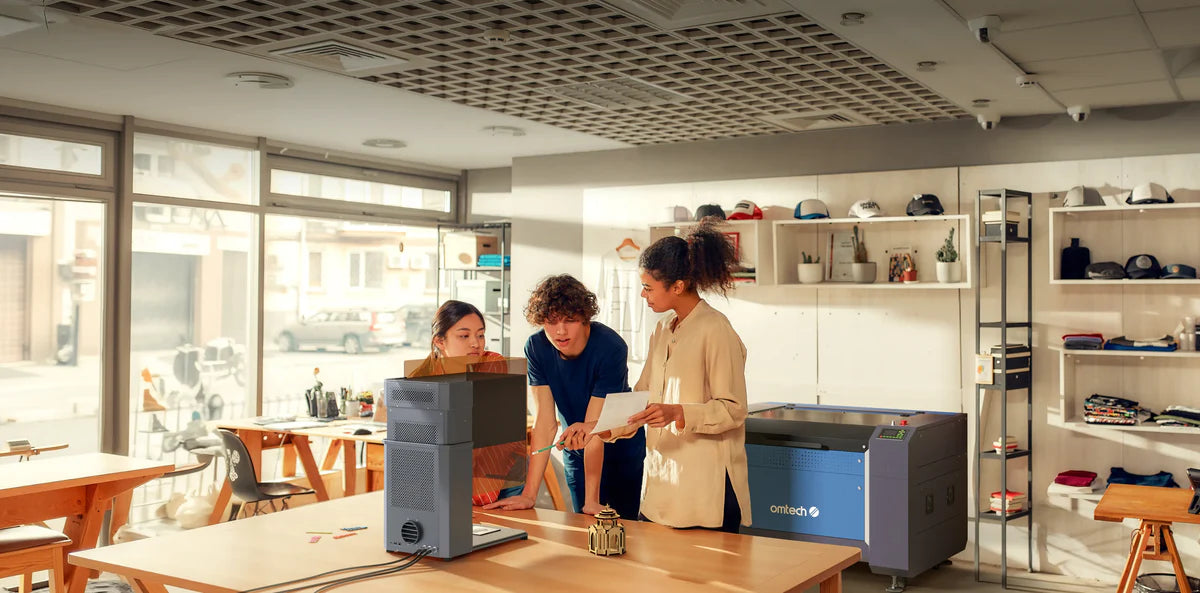
For students working towards their SACE, HSC, VCE, or QCE design folios, documentation is vital. Encourage them to keep a digital “Maker Journal,” documenting their power/speed settings and reflecting on why their first prototype required adjustment.
Curriculum Matrix: Projects by Year Level
|
Education Level |
Core STEM Concept |
Recommended Project |
Material |
|---|---|---|---|
|
Years 7–8 |
Spatial Visualisation |
Slot-together 3D Native Animal Puzzles |
3mm Plywood |
|
Years 9–10 |
Structural Engineering |
Bridge Load Testing & Data Analysis |
4mm Hoop Pine |
|
Year 11–12 / VET |
Industrial Design |
Functional Flat-pack LED Lighting |
Acrylic & Hardwood |
|
VET Engineering |
Precision Manufacturing |
EVA Foam / MDF |
Preparing Students for the Aussie Workforce
By using a laser in school, students gain “Industry 4.0” skills that translate directly into Australian manufacturing and design sectors:
- CAD/CAM Proficiency: Understanding the transition from a digital drawing to a physical product is the foundation of modern Australian engineering.
- Material Science: Students learn why a CO2 laser cuts organic materials but reflects off bare metals, and the crucial safety reasons why materials like PVC (which releases toxic chlorine gas) are strictly prohibited in the workshop.
- File Management: Organising layers, managing focal lengths, and hardware troubleshooting are essential “soft” technical skills for future trades and degrees.
Teacher’s Efficiency Checklist
To keep your school makerspace running safely and smoothly:
- Standardise the Material Library: Use LightBurn to save “School Standard” settings for your most used materials (e.g., “Year 9 Plywood – Cut”). This prevents students from accidentally using excessive power and causing flare-ups.
- The “Jig” Strategy: If you are producing 100 school house badges, have a senior student design a “jig” (a template). This allows for rapid batch production without manual alignment for every piece.
- Safety & Maintenance: Ensure your Fume Extractor is serviced regularly and the “honeycomb” bed is cleared of small debris weekly to prevent fire hazards.
Related Posts

Post a Comment