

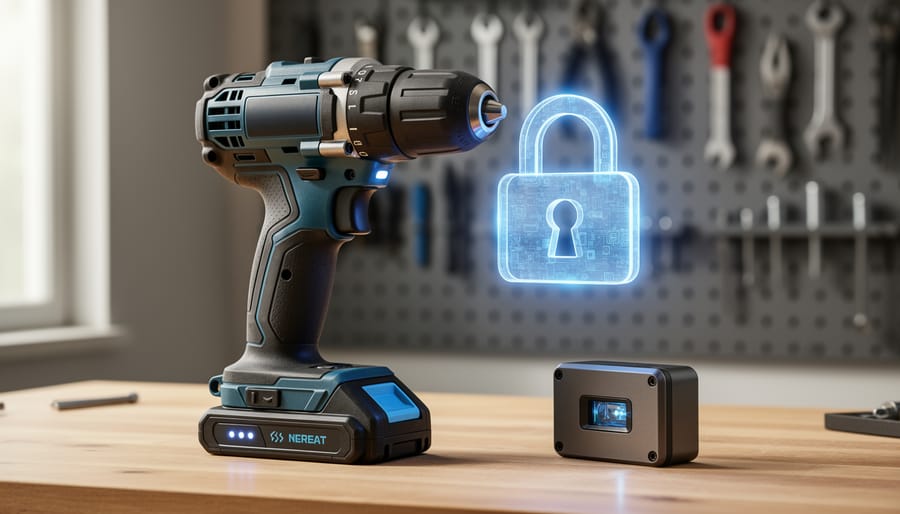
Your smart drill, laser level, or connected power tool is only as secure as its firmware—the embedded software that controls its core functions. Just as you wouldn’t leave your workshop unlocked, firmware security protects your connected tools from hackers who could disable safety features, steal operational data, or turn your equipment into entry points for broader network attacks.
Understanding firmware vulnerabilities starts with recognizing that every connected tool communicates through software that manufacturers regularly update to patch security holes. These updates aren’t optional maintenance—they’re essential shields against evolving cyber threats. A compromised tool can malfunction during critical operations, expose your Wi-Fi credentials, or provide backdoor access to other devices on your network.
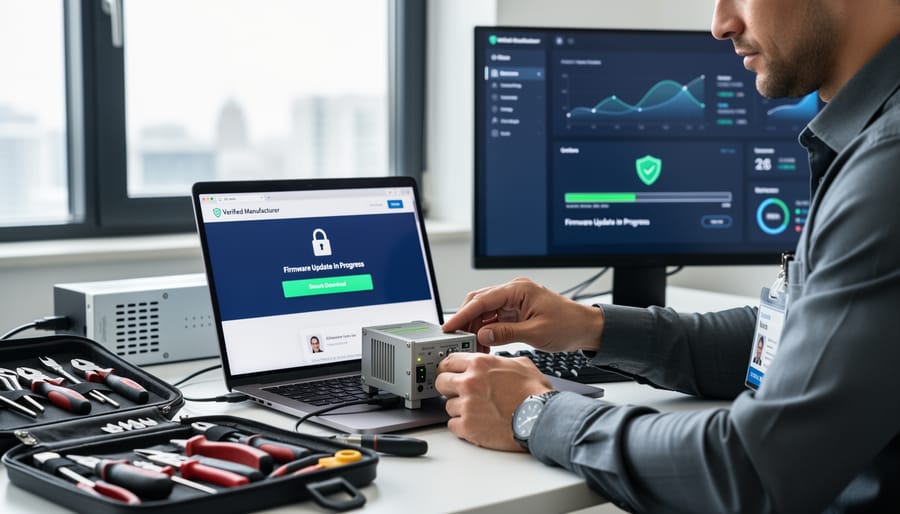
Check your tool manufacturer’s website monthly for firmware updates and install them immediately, treating this as seriously as replacing worn drill bits or inspecting power cords. Enable automatic updates when available, but verify they’re from legitimate sources by downloading only through official manufacturer apps or websites, never from third-party links in emails.
Change all default passwords on connected tools to unique, complex combinations mixing letters, numbers, and symbols—default credentials are the first thing attackers try. Separate your smart tools onto a dedicated Wi-Fi network isolated from personal devices containing sensitive information, limiting potential damage if one tool is compromised.
This proactive approach transforms firmware security from abstract tech concern into practical workshop safety, protecting both your investment and your projects from invisible but very real digital threats.
What Is Firmware and Why Does It Matter in Your Tools?
Think of firmware as the permanent instructions built into your tools’ electronics—the behind-the-scenes software that tells them how to operate. Unlike apps on your phone that you regularly update or delete, firmware lives on a special chip inside your equipment and controls everything from basic functions to smart features.
In simple terms, firmware is the bridge between the physical hardware (motors, sensors, batteries) and what you actually want the tool to do. When you pull the trigger on a cordless drill, firmware translates that action into precise motor control, adjusting power output based on resistance and battery levels.
Modern tools increasingly rely on firmware to deliver the performance you expect. Battery-powered systems use it to manage charging cycles, prevent overheating, and communicate remaining runtime. This makes battery system security particularly important, as compromised firmware could damage expensive battery packs or create safety hazards.
Laser levels depend on firmware to maintain calibration and self-leveling accuracy. Smart drills use it to store torque settings and prevent stripping screws in different materials. Professional diagnostic equipment relies on firmware to analyze readings and provide accurate measurements. Even basic power tools with LED indicators or electronic brakes contain simple firmware controlling those features.
What makes firmware different from regular software is its permanence and low-level access to hardware. It starts working the moment you power on a tool, often before any visible display lights up. This deep integration is why firmware matters so much for security—if someone gains unauthorized access to it, they could potentially alter how your tool operates, bypass safety limits, or even brick the device entirely.
The good news is that manufacturers design firmware to be stable and reliable. However, as tools become smarter and more connected through Bluetooth or Wi-Fi, understanding firmware basics helps you make informed decisions about updates, security practices, and protecting your investment.
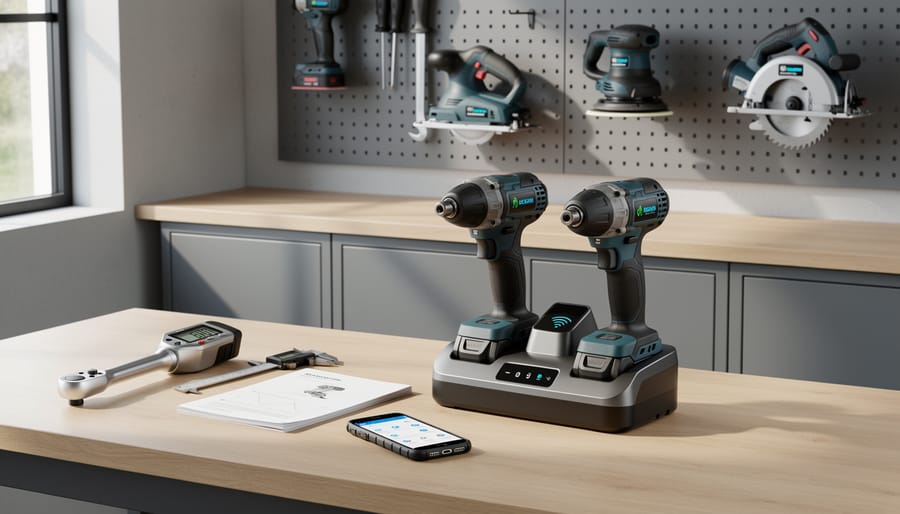
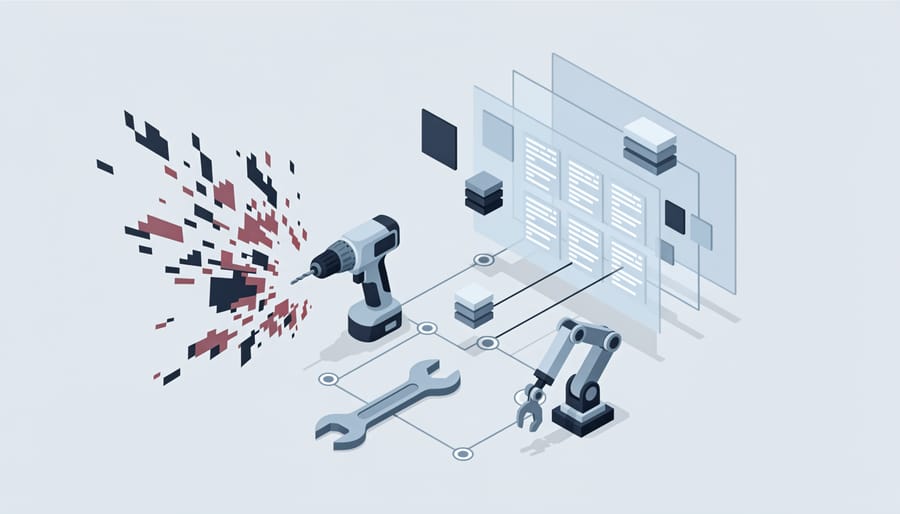
The Real Cybersecurity Risks You’re Facing
How Hackers Target Tool Firmware
Understanding how hackers target tool firmware doesn’t require a degree in computer science, but it does help you protect your investment. Think of firmware as the operating system that makes your smart drill, saw, or battery pack function. When manufacturers add wireless features for convenience, they also create potential entry points.
Bluetooth vulnerabilities are among the most common attack vectors. These wireless connections allow you to control tools through smartphone apps, but older Bluetooth protocols can be intercepted within a 30-foot range. Hackers can potentially manipulate tool settings or access usage data that reveals when you’re away from your workshop.
Wi-Fi connections pose similar risks, particularly when tools connect to home networks. If your network lacks proper security settings, someone could theoretically access connected equipment. This matters most for higher-end stationary tools with network monitoring capabilities.
USB ports on modern tools serve multiple purposes beyond charging. When you plug in to update firmware or transfer settings, compromised USB drives can introduce malicious code. This attack method, called firmware update hijacking, tricks your tool into accepting unauthorized software disguised as a legitimate update.
The good news? These scenarios require deliberate targeting and aren’t happening by accident. Manufacturers continuously patch vulnerabilities, and simple precautions dramatically reduce risk. Most tool owners will never experience these issues, but awareness helps you make informed decisions about which features to enable and how to configure them safely.
What’s at Stake: From Job Sites to Home Workshops
When firmware security is compromised, the consequences extend far beyond technical inconvenience. Understanding these risks helps you make informed decisions about protecting your connected tools.
Tool malfunctions represent the most immediate concern. Corrupted or malicious firmware can cause smart tools to operate unpredictably—drills that won’t maintain consistent speed, saws with erratic depth settings, or battery systems that misreport charge levels. These failures can ruin materials, delay projects, and create dangerous working conditions. In professional settings, even brief downtime translates directly to lost revenue and missed deadlines.
The safety hazards deserve particular attention. Compromised firmware might disable safety features like kickback protection, emergency stops, or overheat warnings. Imagine a circular saw that bypasses blade guards or a nail gun that fires without proper trigger engagement. These aren’t hypothetical scenarios—security researchers have demonstrated such vulnerabilities in connected tools.
Financial losses accumulate quickly. Beyond repair costs and replacement tools, consider stolen intellectual property. Many smart tools store usage patterns, project specifications, and custom settings. For professional tradespeople, this data represents competitive advantage. Hackers could access blueprints, customer information, or proprietary techniques stored in tool management apps.
Project data theft matters even for home workshops. Your connected tools might reveal when you’re away from home based on usage patterns, creating security risks beyond the workshop itself. Protecting firmware means protecting your work, your investment, and ultimately your safety.
How to Check If Your Tools Have Firmware Security Issues
Red Flags to Watch For
When evaluating smart tools and connected equipment, certain warning signs should prompt extra caution about firmware security. If a manufacturer hasn’t released firmware updates in over a year, this suggests they may have abandoned support for the product, leaving known vulnerabilities unpatched. Tools that connect to your network without requiring password protection or encryption are serious red flags—essentially leaving your workshop’s digital door wide open.
Research the manufacturer’s reputation within the tool community before purchasing. Check user reviews and forums to see if other users have reported security concerns or poor customer support responses to security issues. A manufacturer’s website should clearly document their security practices, including how they handle vulnerability reports and their update schedule. If this information is missing or difficult to find, consider it a warning sign.
Be wary of tools that request excessive permissions on accompanying smartphone apps, such as access to your contacts or location data when these aren’t necessary for the tool’s operation. Similarly, devices that only work with proprietary cloud services without local control options create dependency on external servers that could be compromised. Tools lacking basic security features like automatic logout after inactivity or two-factor authentication support indicate a manufacturer that hasn’t prioritized security in their design process. Trust your instincts—if something feels unnecessarily complicated or insecure, explore alternative options.
Essential Firmware Security Practices for Safe Maintenance
Keep Firmware Updated (The Right Way)
Keeping your smart tools updated protects them from security vulnerabilities, but downloading the wrong update can create problems. Here’s how to update firmware safely and avoid common pitfalls.
Always download updates directly from the manufacturer’s official website or their verified mobile app. Bookmark these sources to avoid phishing sites that mimic legitimate brands. Before downloading, verify the web address shows a secure connection (look for “https” and a padlock icon). Many tool manufacturers now send update notifications through their apps, which is typically the safest route.
Before installing any update, check user reviews and community forums to see if others have experienced issues. Our community members often share their experiences within hours of new firmware releases, giving you valuable insight into potential problems. Wait a few days after release if you’re not experiencing urgent security issues.
Never click firmware update links from unsolicited emails, even if they appear to come from the manufacturer. Legitimate companies don’t distribute updates this way. If you receive such an email, navigate independently to the official website rather than clicking any provided links.
Establish a regular update check as part of your maintenance schedule. Monthly checks work well for most users, but critical security patches should be applied promptly after verification. Keep a simple log noting when you updated each tool and which firmware version you’re running. This helps troubleshoot issues and ensures no tool gets overlooked.
Back up your tool settings before updating when possible, as some updates reset customizations.
Secure Your Connections
Your smart tools connect to the world in several ways, and each connection type needs its own security approach. Let’s break down how to keep these pathways safe without getting overly complicated.
When setting up Bluetooth connections between your tool and smartphone, always initiate pairing in a private location rather than job sites or public spaces. During pairing, verify that the device name matches your tool exactly before accepting the connection. Many users report in community forums that they’ve accidentally connected to nearby devices with similar names, potentially exposing their tool data. After initial pairing, disable Bluetooth discoverability mode on your tool if the option exists, making your device invisible to others scanning for connections.
For Wi-Fi enabled tools, never use public networks for firmware updates or tool management. Public Wi-Fi at coffee shops, libraries, or shared workspaces lacks encryption, making your data visible to anyone on the same network. Instead, create a dedicated network at home specifically for your smart tools, separate from your main household network. This containment strategy means if a tool gets compromised, your personal devices remain protected.
If you must update firmware away from home, use your smartphone’s hotspot feature rather than public Wi-Fi. This creates a secure, password-protected connection between your phone and tool.
For wired connections during updates, use the manufacturer-supplied cable when possible. Third-party cables may lack proper shielding or security features. Keep these cables in good condition and inspect them regularly for damage that could compromise data integrity.
Consider implementing a simple rule: connection activities happen on secure networks only, no exceptions.
Create a Tool Security Checklist
Protecting your smart tools requires a systematic approach that combines digital security with physical safety practices. Use this practical checklist to keep your connected equipment secure:
Password and Access Management:
Change all default passwords immediately after purchasing or renting smart tools. Create unique, strong passwords combining letters, numbers, and symbols—avoid using the same password across multiple devices. Enable two-factor authentication wherever available. For rental equipment, always reset security settings before and after use. Keep a secure record of credentials using a password manager rather than sticky notes or unsecured documents.
Network Security:
Connect smart tools only to secure, password-protected Wi-Fi networks. Avoid public networks when configuring or updating equipment. If your workshop uses a shared network, consider creating a separate guest network specifically for tools to isolate them from personal devices and sensitive data.
Regular Security Audits:
Schedule quarterly reviews alongside your routine tool maintenance. Check for available firmware updates, review connected device lists, and remove any unauthorized access. Document when updates were installed and note any unusual behavior or connectivity issues.
Physical Security Checks:
Verify that USB ports and connection points show no signs of tampering. Check that security seals on advanced equipment remain intact. Store tools in locked areas when not in use, especially those containing operational data or project information.
Community Feedback:
Share your security experiences with other users. Report suspicious activity or vulnerabilities to manufacturers and fellow tool users to strengthen community-wide protection.
What to Do If You Suspect a Breach
If you notice unusual behavior like unexpected commands, connectivity issues, or tools operating differently than normal, act quickly. First, immediately disconnect the affected tool from your Wi-Fi network and turn off its wireless capabilities. This prevents potential attackers from accessing other devices on your network. Next, power down the tool completely and unplug it if possible.
Document everything you’ve observed. Take photos of error messages, note when the strange behavior started, and record any recent firmware updates or new connections you made. This information helps manufacturers investigate the issue and assists you if warranty claims become necessary.
Contact the tool manufacturer’s customer support right away. Most companies have dedicated security teams that take these reports seriously. They can verify whether there’s a known vulnerability and guide you through recovery steps.
Protect your other connected devices by changing your Wi-Fi password and checking that all tools have the latest firmware updates installed. Review which devices share your network and temporarily disconnect any non-essential smart tools until you’ve resolved the security concern. Many community members recommend keeping a separate network for smart tools, isolating them from personal devices like computers and phones containing sensitive information.
Choosing Secure Smart Tools: What to Look for Before You Buy or Rent
When shopping for smart tools—whether buying or renting—security features should be just as important as battery life or motor power. Here’s what to prioritize to protect your investment and your data.
Start by researching the manufacturer’s reputation for security. Look for companies that publicly acknowledge security as a priority and have transparent policies about handling vulnerabilities. Check their website for a dedicated security page or contact information for reporting issues. Manufacturers who take security seriously will make this information easy to find.
Next, investigate the update policy. Ask directly: How long will this tool receive firmware updates? The best manufacturers commit to a specific timeframe, typically 3-5 years minimum. Avoid tools where the manufacturer is vague about updates or has a history of abandoning older models. Read community-driven reviews from actual users who can share whether they’ve received updates after purchase.
Look for security certifications relevant to connected devices. While not all smart tools carry formal cybersecurity certifications yet, standards like UL 2900 (cybersecurity for network-connectable products) are becoming more common. These certifications mean independent experts have tested the device for vulnerabilities.
Examine the companion app’s permissions before committing. Download the app and review what it asks to access on your phone. Does a drill really need access to your contacts or location? Excessive permissions are a red flag. Check the app’s privacy policy to understand what data gets collected and how it’s used.
Consider the connectivity requirements. Tools that work offline when needed offer more flexibility and reduced risk. Some smart features should function without constant cloud connectivity—this gives you control even if servers go down or the company discontinues support.
Don’t overlook user-generated content when making decisions. Search forums and review sites for security incidents involving specific brands or models. Fellow DIY enthusiasts and professionals often share valuable firsthand experiences about security issues, manufacturer responsiveness, and real-world performance.
For rentals, ask the rental company about their security procedures. Do they reset tools between customers? How do they manage firmware updates on their fleet? A reputable rental service should have clear answers.
Finally, check the return policy and warranty. If security features don’t work as advertised or updates stop unexpectedly, you’ll want recourse to return or replace the tool without financial penalty.
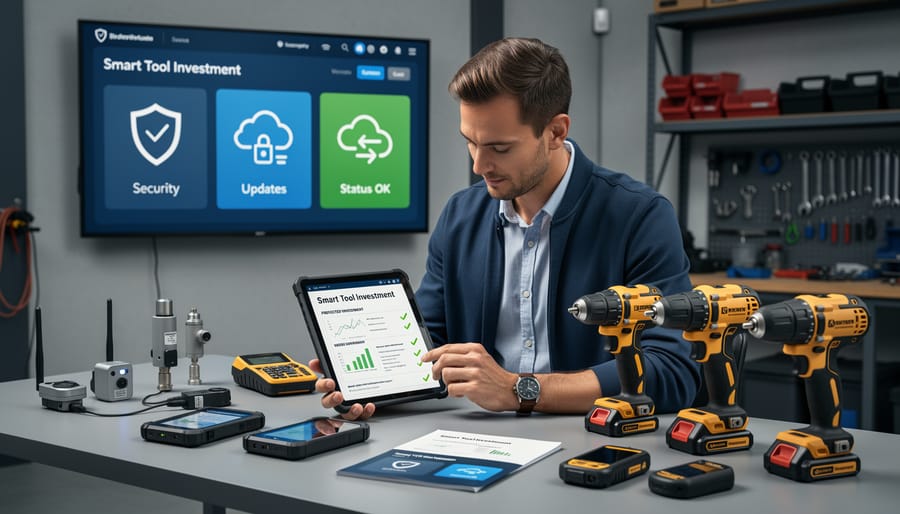
The Future of Tool Security: What’s Coming
The good news? The tool industry is taking firmware security seriously, and meaningful changes are already underway. Major manufacturers are collaborating on standardized security protocols that will make protecting your smart tools simpler and more consistent across brands. Think of it like how USB charging became universal—soon, basic security features will be standard rather than optional extras.
Industry groups are developing certification programs specifically for connected tools, similar to how electrical equipment gets safety ratings. These certifications will help you identify tools with robust built-in security before you buy. Several leading brands have committed to providing minimum five-year firmware support windows, ensuring your investment stays protected well into the future.
We’re also seeing promising developments in automated security features. Future tools will likely include self-diagnostic security checks that alert you to potential vulnerabilities, much like how modern cars notify you about maintenance needs. Cloud-based security monitoring services are becoming more affordable and user-friendly, offering professional-grade protection without requiring technical expertise.
The community aspect matters too. User forums and review platforms are increasingly highlighting security features in their assessments, creating market pressure for manufacturers to prioritize protection. As more people share their experiences with firmware updates and security practices, we’re building a collective knowledge base that benefits everyone.
While threats will continue evolving, so will our defenses. Stay informed, participate in your tool community, and remember that each security step you take today contributes to a safer connected workshop tomorrow.
Firmware security isn’t a one-time technical hurdle—it’s now a regular part of keeping your smart tools running safely and efficiently, just like replacing worn blades or charging batteries. By checking for updates regularly, using strong passwords, connecting to secure networks, and staying alert to unusual tool behavior, you’re protecting both your investment and your workshop from potential threats. These practices take just minutes but make a significant difference in preventing unauthorized access and keeping your equipment performing at its best.
The good news? You don’t need to be a cybersecurity expert to stay protected. Start today by updating the firmware on your most-used smart tools and enabling any available security features. Set a quarterly reminder to review your tool security, just as you would schedule routine maintenance checks.
We encourage you to share your experiences with firmware security in the comments below. Have you discovered helpful tips for managing updates across multiple tools? Encountered security features that work particularly well? Your insights help fellow tool users navigate this evolving landscape. Together, our community can build a practical knowledge base that keeps everyone’s equipment secure and operating reliably for years to come.
Related Posts


Post a Comment